
Another contest entry. This one required several programs.
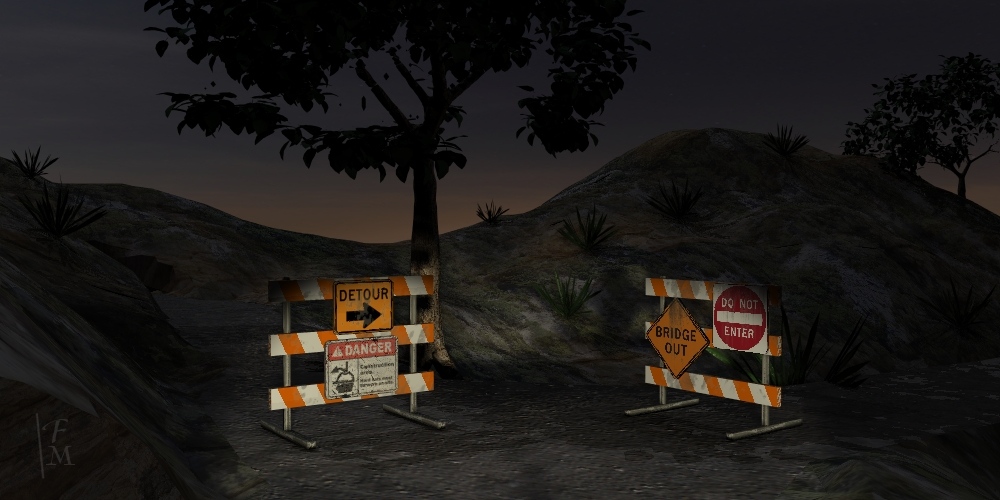 Construction Detour
Here is how it was made.
I used Bryce 7 to make the terrain or land object and the trees. The plants are from Plant Studio 2. The barricades and signs were modeled in trueSpace 7 and the images of signs were prepared in Paint Shop Pro.
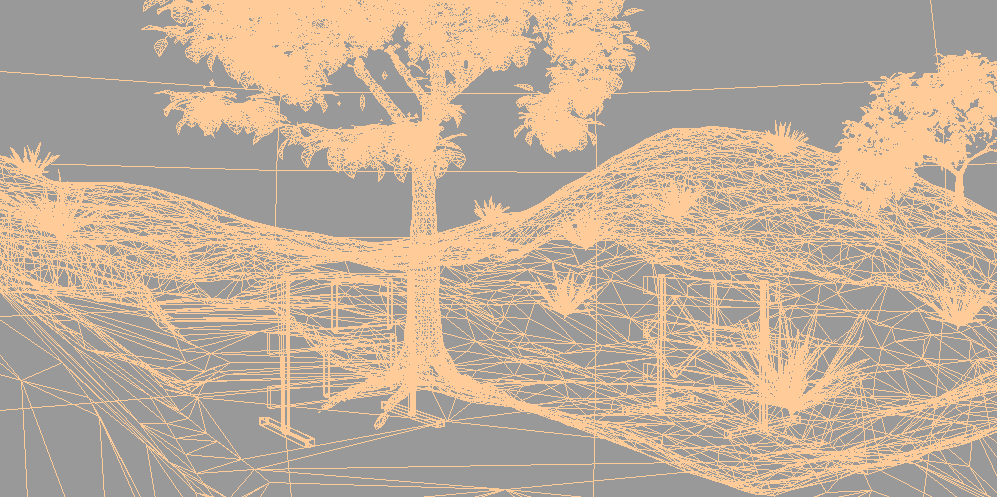
This is a wire frame view of the secene.
Here are pictures of the land object. Most of the land is not visible in the picture.
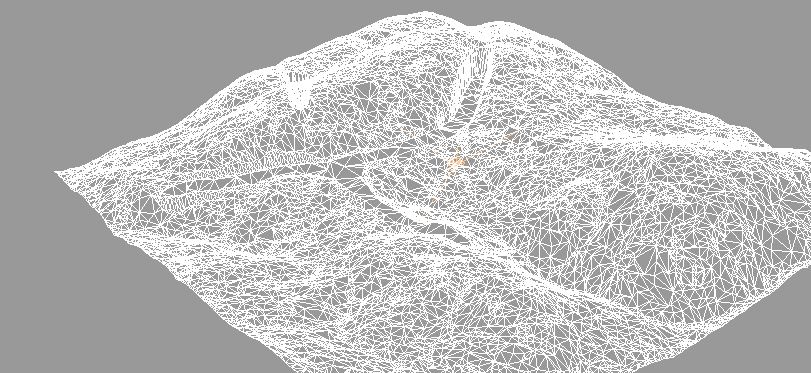
This is the land in wire frame display. You can see the polygons or facets it is made of.
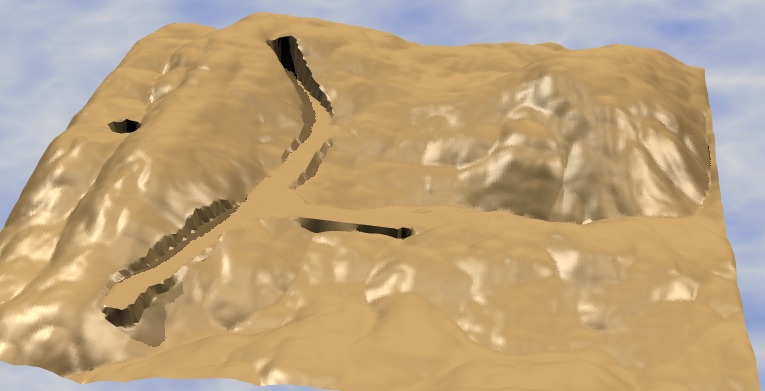
Here the land is shown with a plastic texture. This shows the details well. I made the road by leveling part of the terrain in Bryce.
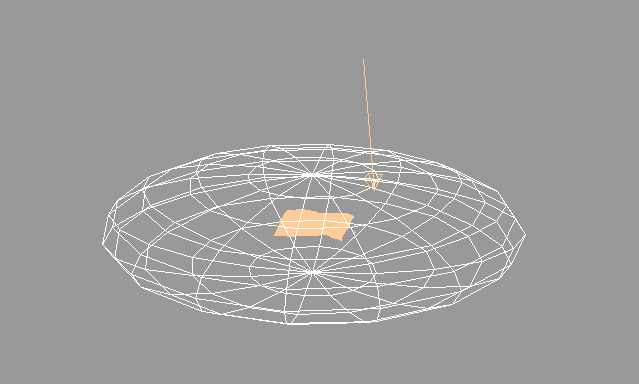
The objects are enclosed in a sky dome. In this case a bubble since the sky texture includes the lower half which is black. I flatten the bubble which starts as a sphere so the clouds give more perspective or depth.
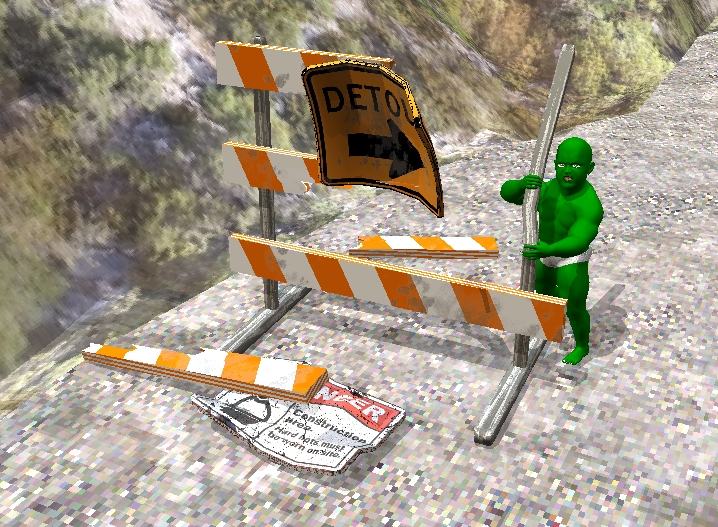
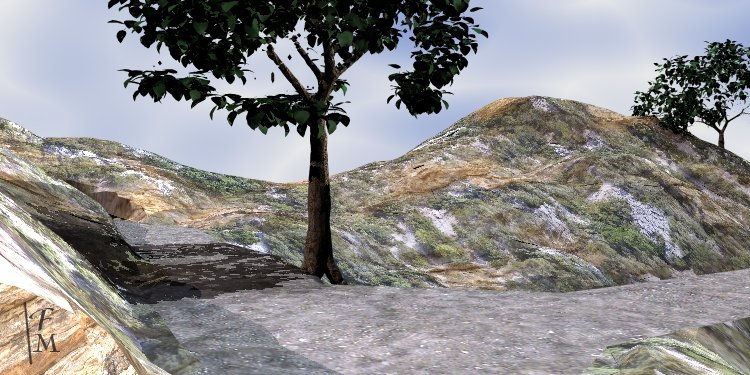
This daytime picture shows the texture I used for the land. I wrote a tutorial on how to make land textures like this for people who use these programs. Here are the ideas behind it. The tutorial has more technical aspects too.
The land texture has two layers blended together to create patches and areas where ground or plants show.
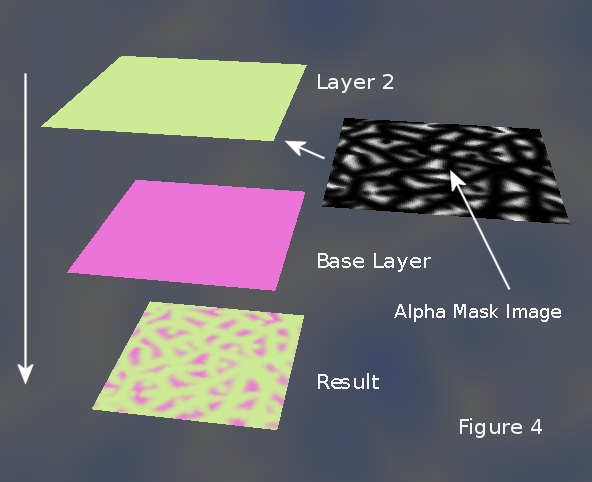
Simple colors show the method in this image. An alpha mask image makes the green layer transparent in some places. That shows parts of the pink layer.
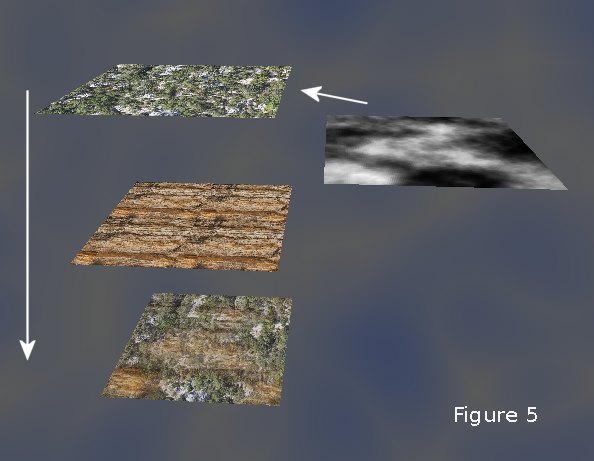
This image shows the technique using photos of ground and vegetation.