
I made theses characters for a contest in June and July of 2012. The theme was Cartoon Character.

Here are pictures of each of them and how they were made.
My characters were comic book style but that counted as cartoon style.
First I made Hear-O. His super power is his super hearing.
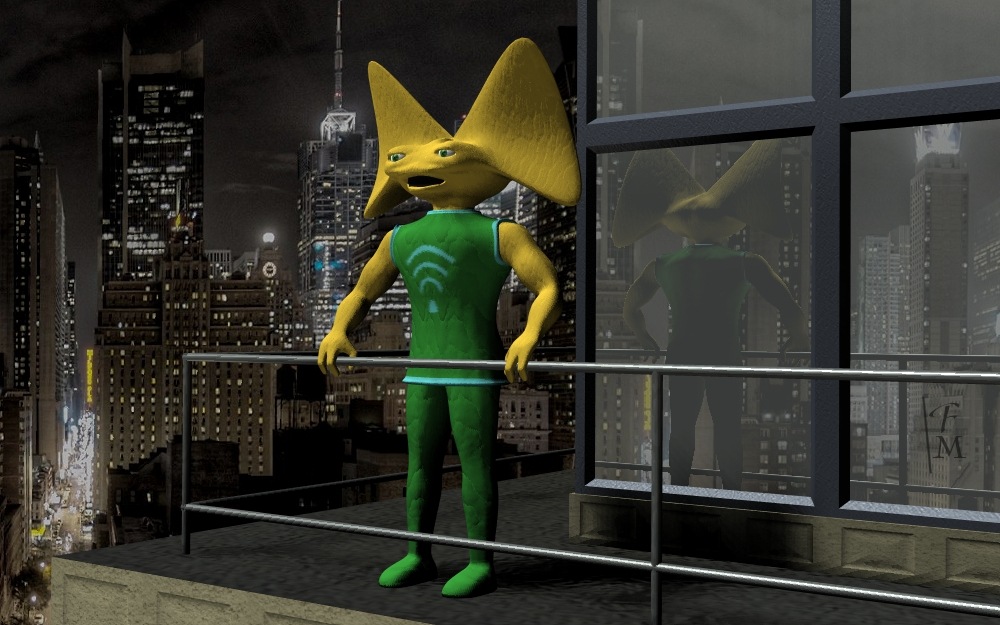
High above the city there stands a Hear-O. Watching. Listening.
I entered each character in the contest separately. The image above was one entry.
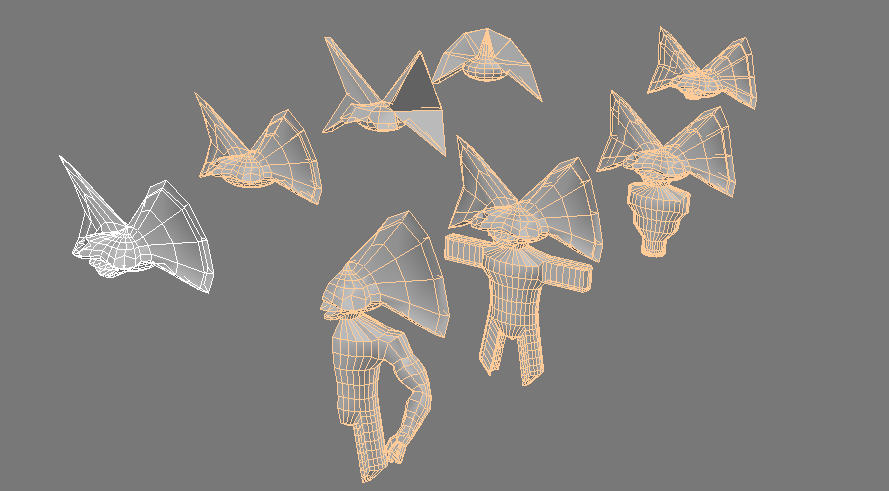
Hear-O began as a sphere. This picture shows some of his development. I did the modeling by moving, rotating, scaling, and extruding polygons (facets), vertices, and edges. I worked on half of Hear-O and used a tool of trueSpace to make a mirror copy that changed as I changed the model. This is called mirror modeling.
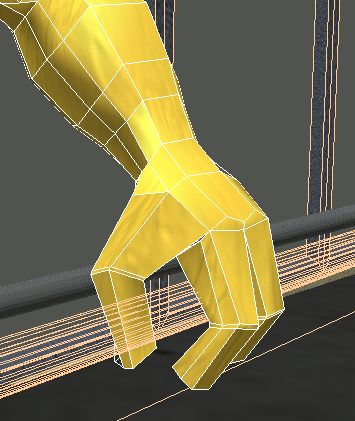
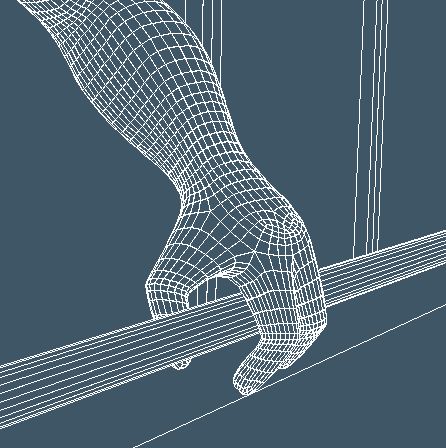
I modeled Hear-O as a base, or control mesh, for subdivision surfacing. This is a technique that uses mathematics to divide the polygons of a 3D model like Hear-O into smaller ones and arrange them so they form a smooth surface. SDS, or subdivision surfaces, is often used for computer graphics of people and creatures. The images of his hand above show the hand as I modeled it (yellow) and after SDS. The program does the math and creates the surface. Another modeling program I have, Hexagon, allows selection from several methods for SDS.
A professional computer graphics animator noted that my modeling of the hand was “impeccable”.
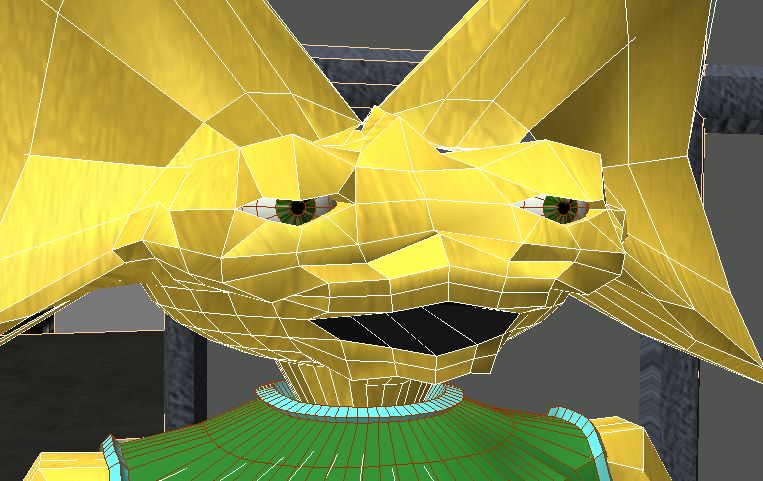
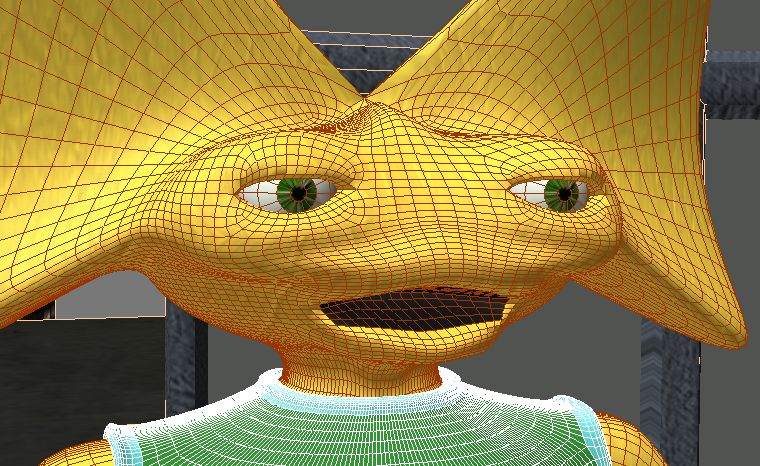
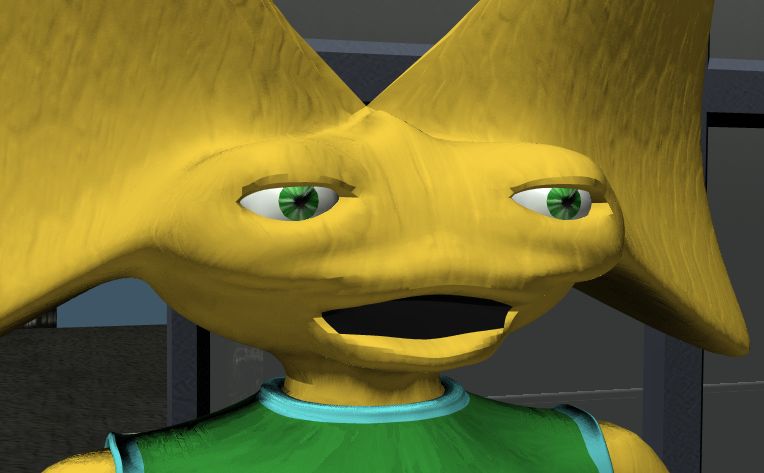
These pictures show Hear-O’s head as I modeled it, with SDS, and a finished rendering.
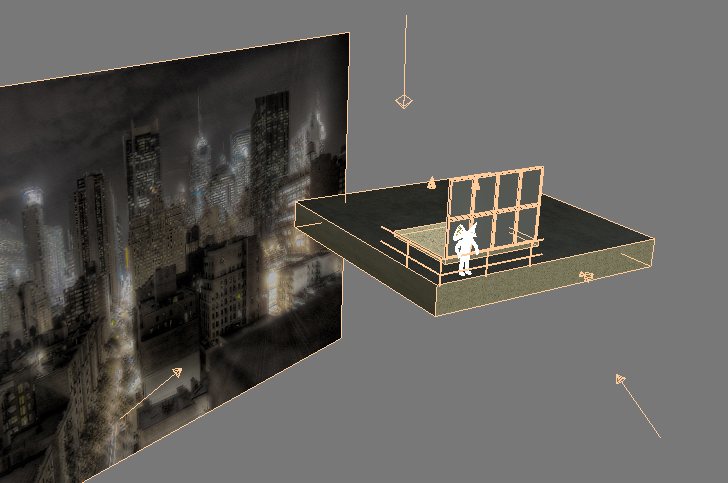
The city is a photograph on a plane behind the character and building. Only the needed parts of the building are modeled.
His textures, the colors and details, consist of base colors and bump maps. His skin has a photo of coral as a bump and his clothes have program generated or procedural bumps. A bump map simulates small details as if the model had bumps on it. I drew his sonic logo in Paint Shop and applied it to his tunic as a second texture layer.
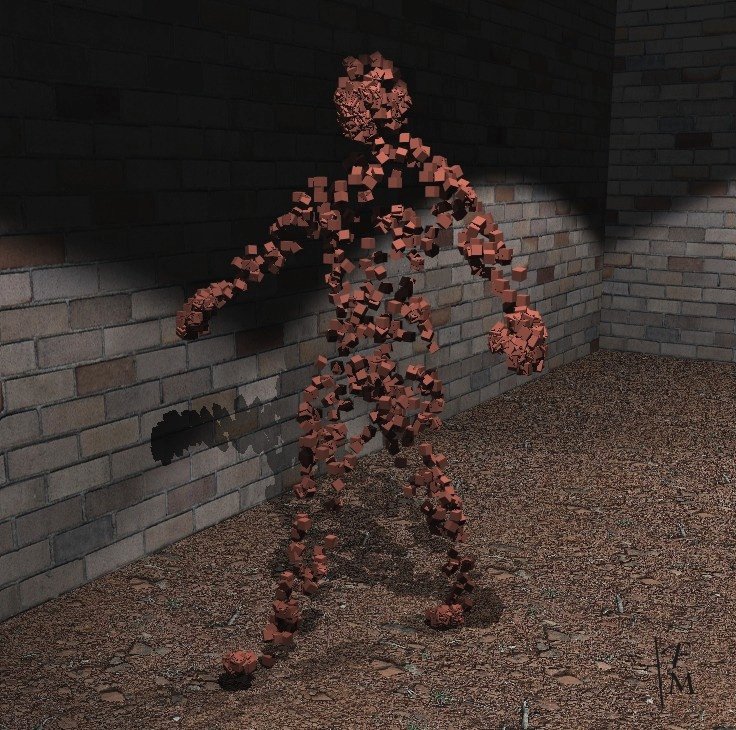
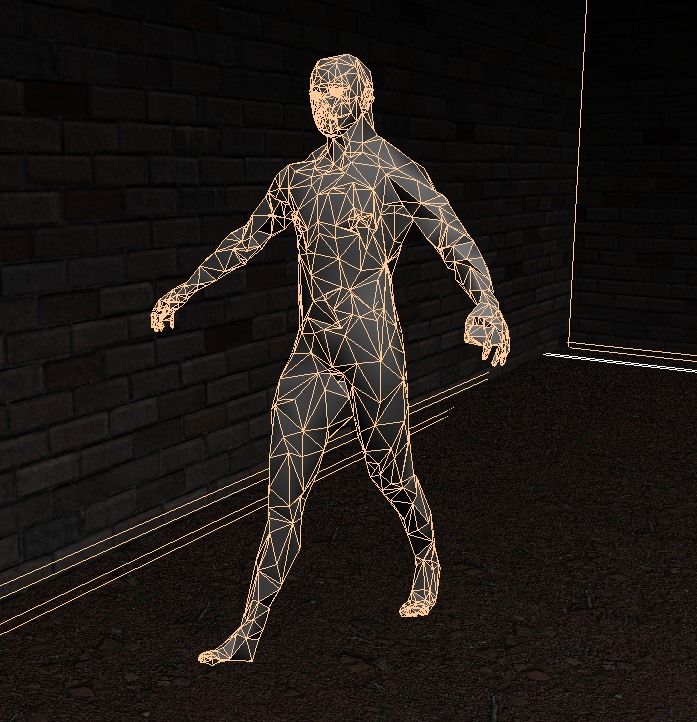
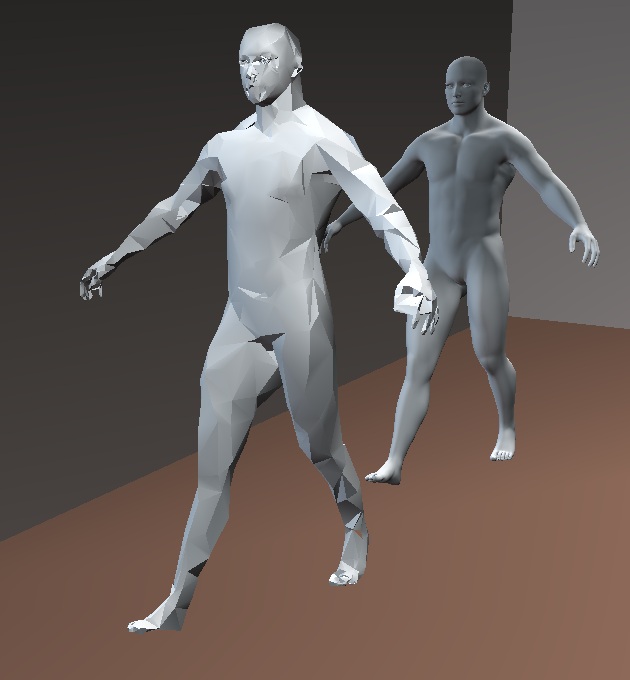
Block Man started as a Daz Studio figure. Daz is a program for making and animating human figures. I made the Daz figure and exported it to trueSpace. There I reduced the number of polygons and used a tool to place cubes at most vertices. His super power is to turn into rubbery blocks.
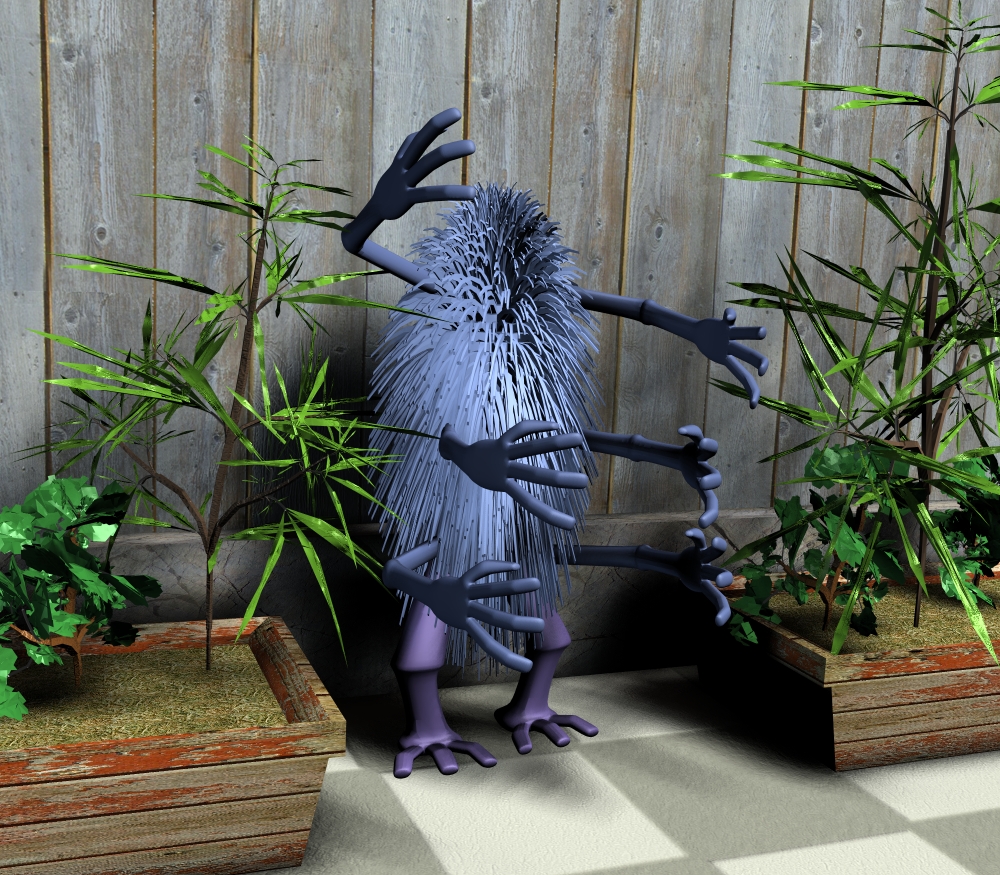
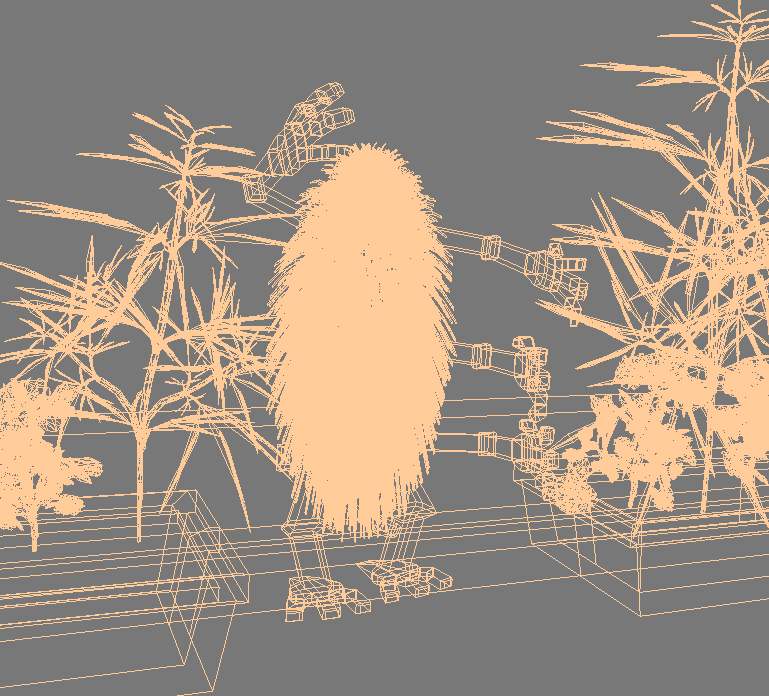
Groper is the villain. He gropes people with his many hands. I made him in trueSpace using techniques similar to those used for Hear-O. I made one arm and one leg and copied, mirrored and altered them to make more. His body is an elongated sphere with a hair tool applied. The plants are from Plant Studio and imported into trueSpace.
Baby hulk is the result of playing with Daz Studio. It is easy to make and pose human figures there by using slider controls for various aspects of the character. I set the age very low and the muscle sliders very high and there was Baby Hulk! I didn’t enter him in the contest since little skill or effort on my part was needed.
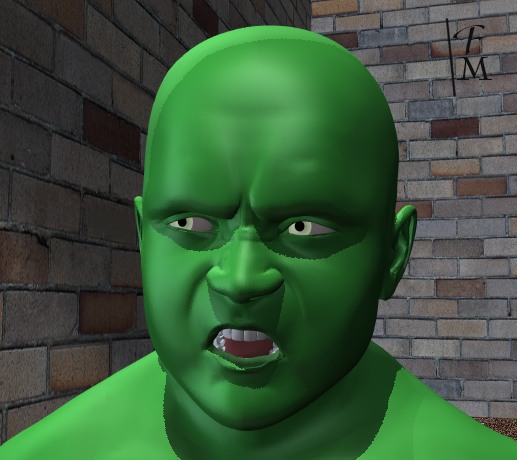
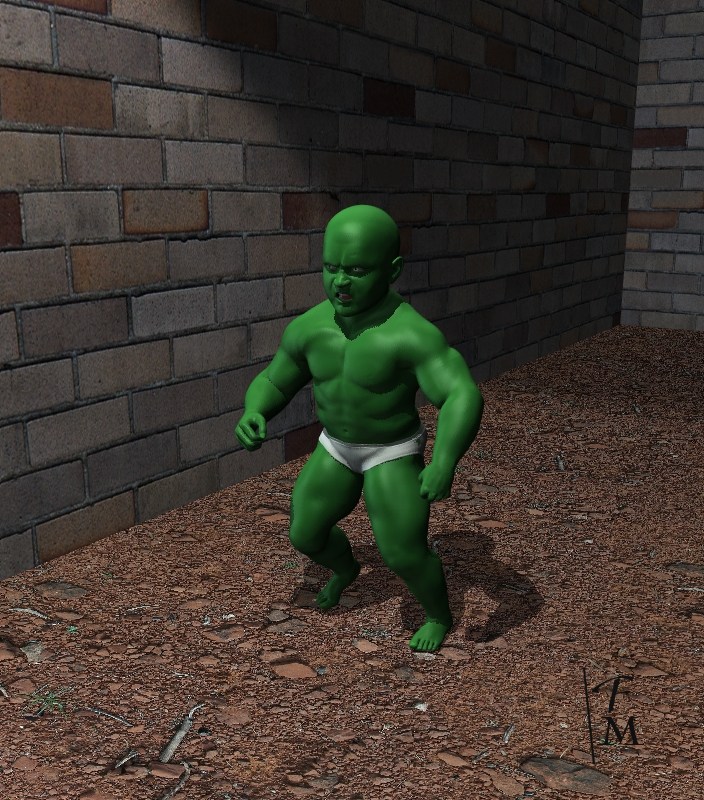
Now Baby Hulk is angry that I didn’t enter him in the contest so he destroys my computer graphics projects. Baby Hulk smash! I make a picture for each new project with him destroying it.